
简体中文 | English
Introduction


video-subtitle-extractor is used to extract hard-coded subtitles and generate srt file. It includes the following implementations:
- detect and extract subtitle frames (and keyframes using traditional graphic method)
- detect the position (i.e. coordinates) of subtitles (as well as scene text if you want) (using deep learning method)
- recognise the content of subtitles (i.e. converting graphic text into plain-text) (using deep learning method)
- filter non-subtitle text
- remove duplicated subtitle line
- generate srt file
Download:
- MacOS CPU:macOS_CPU.v0.1.0.dmg
Features
- You don't need to do any preprocessing to get an ideal result.
- This is an offline project. You don't need to make any API call from Internet service provider in order to get results.
- For Command Line Interface(CLI) version, you don't need to manually set the location of subtitle. This program will automatically detect the subtitle area for you.
- GPU support is available. You can install CUDA and cuDNN to speed up the detection and recognition process and even get more accurate results.
Demo
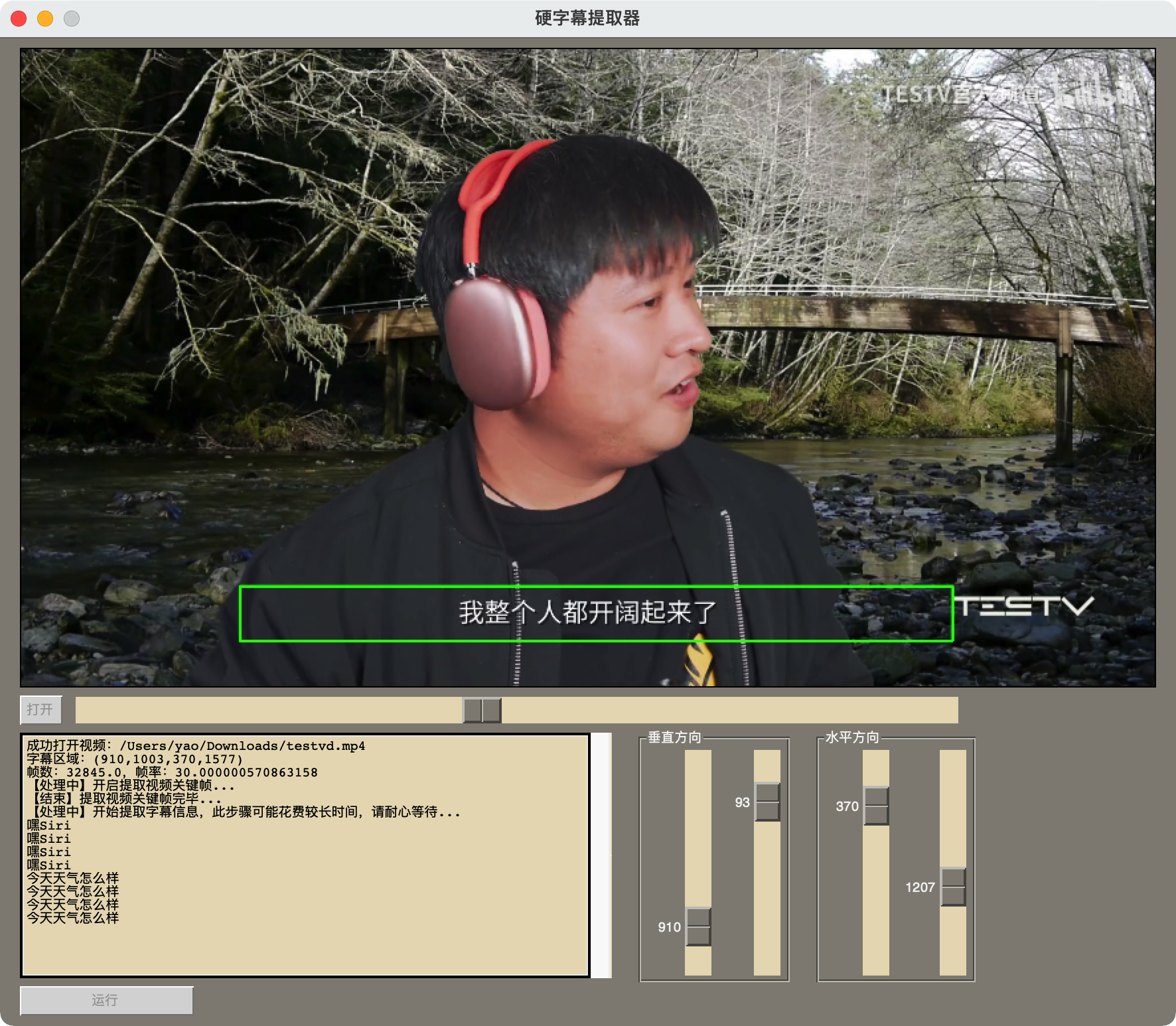
- Graphic User Interface:

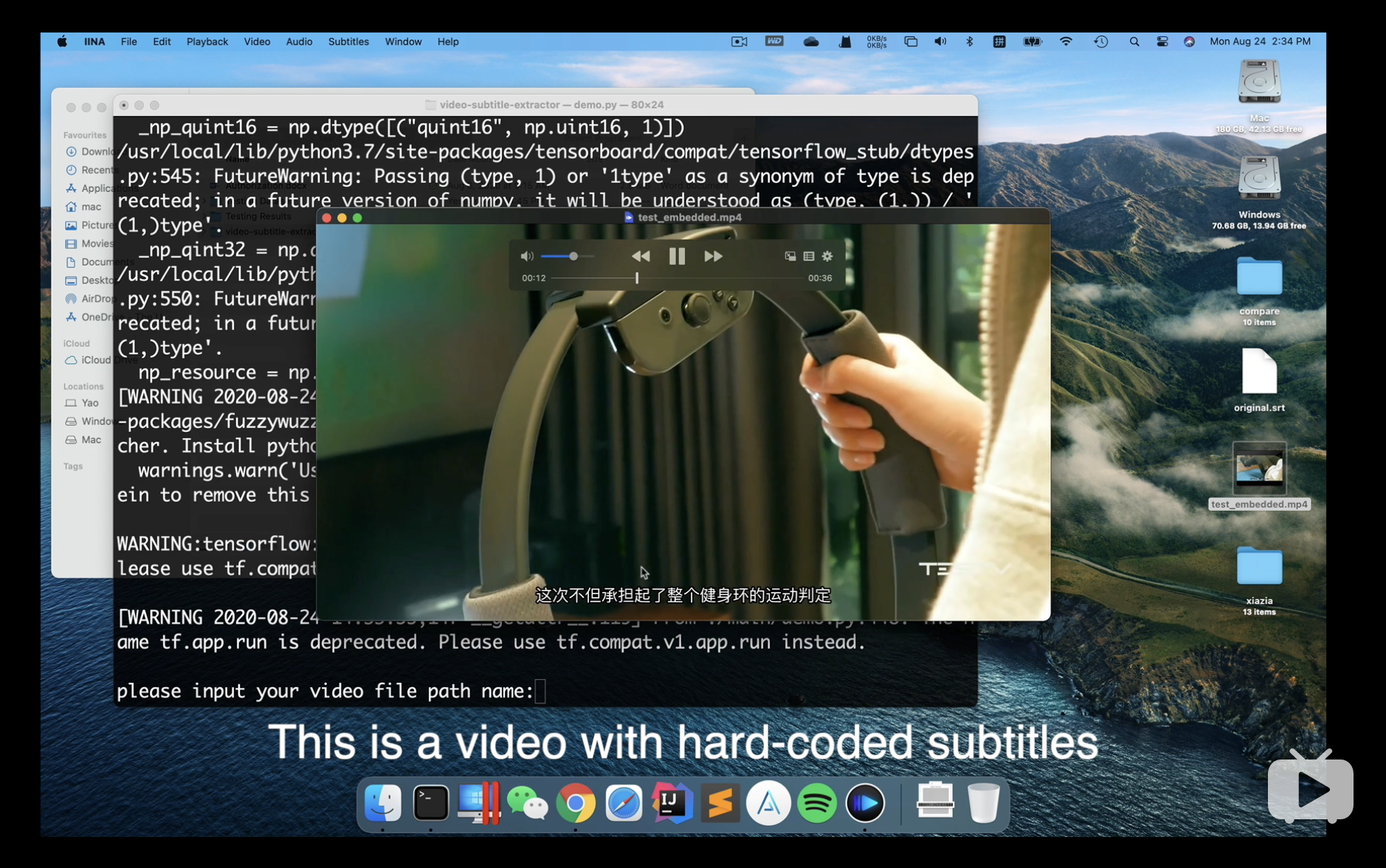
- Command Line Interface:
Getting Started
1. (Optional) Download and Install Anaconda
https://www.anaconda.com/products/individual#Downloads
2. (Optional) create and activate a conda virtual environment
conda create --name videoEnv python=3.7
conda activate videoEnv
3. Install dependencies via pip
make sure you have python 3.7 installed
- for macOS users and users who have CPU only:
pip install -r requirements.txt
- for users who have Nvidia graphic card:
pip install -r requirements_gpu.txt
4. Running the program
- Run GUI version
python gui.py
- Run CLI version
python main.py
Run on Google Colab
- Google Colab Notebook with free GPU:

Debug
- For Windows users, if you encounter errors related to "geos_c.dll"
    _lgeos = CDLL(os.path.join(sys.prefix, 'Library', 'bin', 'geos_c.dll'))
  File "C:\Users\Flavi\anaconda3\envs\subEnv\lib\ctypes\__init__.py", line 364, in __init__
    self._handle = _dlopen(self._name, mode)
OSError: [WinError 126] The specified module could not be found。
Solution:
- Uninstall Shapely
pip uninstall Shapely -y
- Reinstall Shapely via conda (make sure you have anaconda or miniconda installed)
conda install Shapely